
Perfect Your Movement on the Squash Court
The perfect companion for squash ghosting. Set up, record, and analyze your footwork with precision using our dedicated app and court mount.
The perfect companion for squash ghosting. Set up, record, and analyze your footwork with precision using our dedicated app and court mount.
Camera positioning and Field of View (FOV) are key for successful court detection. For the most accurate tracking, the camera should be placed in the back left corner of the court.
Your goal is to capture a perspective similar to the example below, ensuring the entire front court is clearly visible. If you are using your own mount, use the camera preview page in the app (or a quick screen recording) to verify your position.
For more information about the setup, please see the videos on our Youtube channel .
Note: We currently support traditional courts and are working tirelessly to add more court types soon!
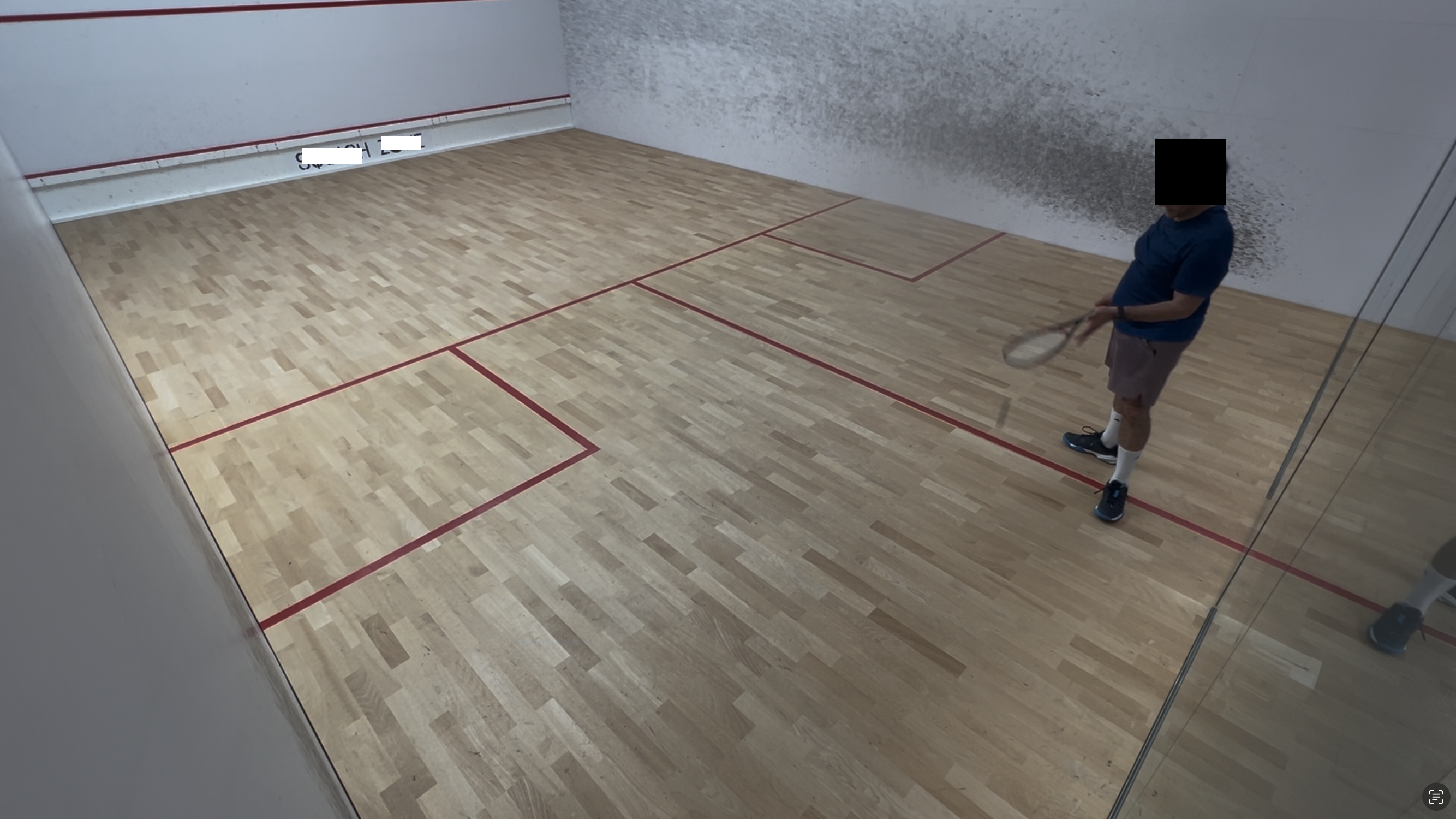
Follow these steps to ensure Ghosting Buddy tracks you correctly.
Connect your BT headphones and configure your workout in the app before mounting the phone.
Attach the holder to the back left corner. Point 45° away from the wall and 30-35° down.
Using your earbuds, click play and follow the instructions to begin your session.
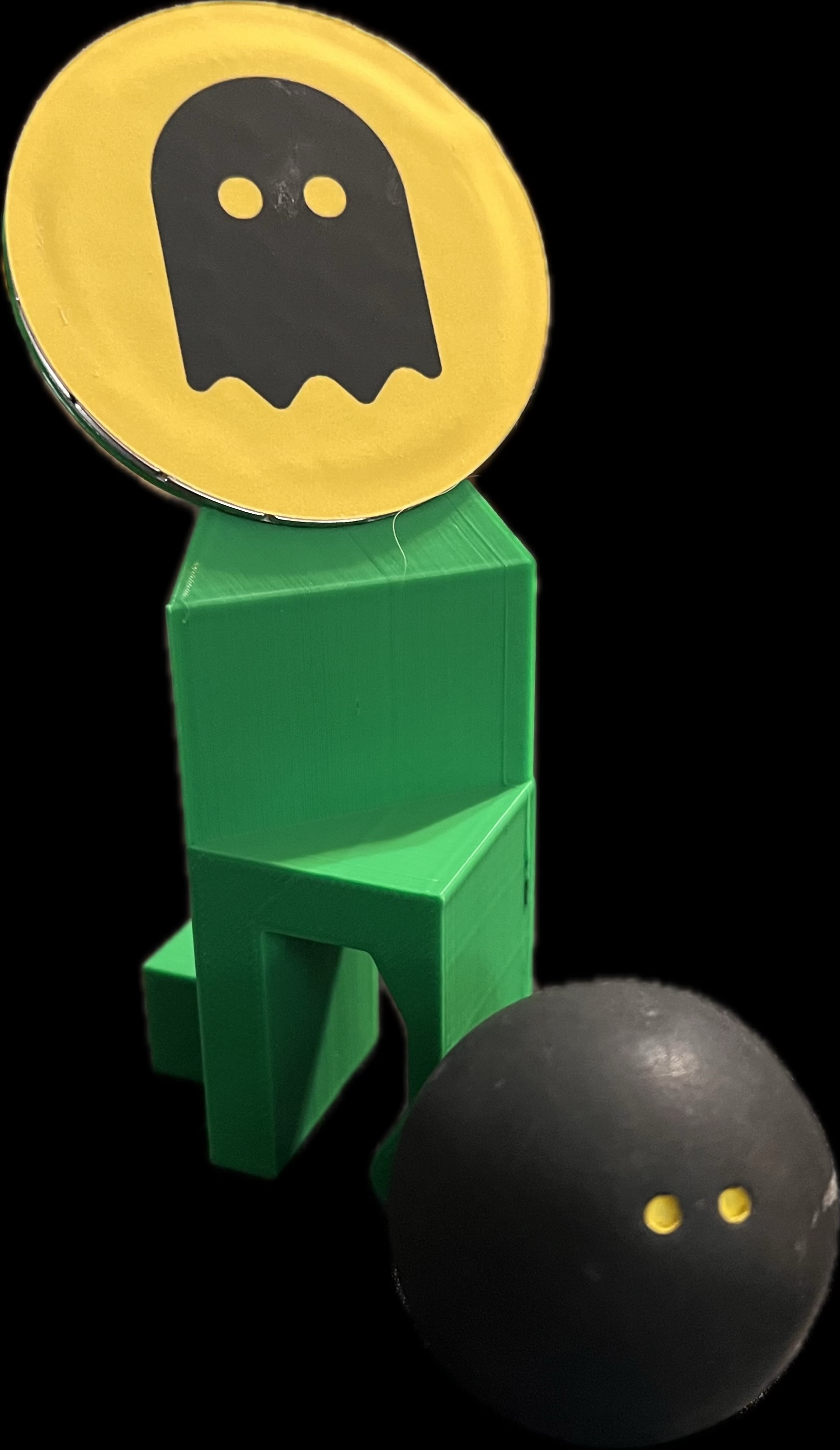
For a consistent placement, you can use this mount. Follow the link below to order or download the 3D model files to make your own.
Designed specifically for squash courts with glass backwall. Get the perfect angle every time.
The mount STL files are available for download if you wish to make your own mount. Some adjustments may be required depending on your printer.
Download STL Files (.zip)